Small Business Automation: 6 Workflows to Prioritize First
Most service business owners didn’t start their company to spend half their day on admin. They started it to do the work. But somewhere between launch and growth, a pattern takes hold: the owner becomes the de facto after-hours receptionist, the follow-up caller, the review requester, and the scheduling coordinator, handling repetitive tasks that don’t require expertise but consume the hours that do.
Small business automation changes that equation. Not by replacing what makes a service business personal, but by removing the work that was never personal to begin with: answering routine calls, sending appointment reminders, requesting reviews, following up on quotes that went quiet. This guide covers six workflows worth automating first, ranked by revenue impact and practical implementation time.
Why Service Businesses Stay Stuck in Manual Operations

The friction isn’t stubbornness. Most service business owners understand that automation would help. The obstacle is usually one of three things: they don’t know where to start, they’ve tried tools that created more work than they replaced, or they’re too buried in daily operations to step back and redesign them.
The opportunity is significant. McKinsey Global Institute’s research on workplace automation found that roughly 60% of all occupations have at least 30% of their activities automatable using existing technology. For service business operations, where workflows repeat predictably, that percentage is often higher. Call arrives, job books, work completes, review is requested. Every step repeats dozens of times each week.
The revenue cost of staying manual concentrates in a few specific places. A missed after-hours call when your crew is on a job isn’t a minor inconvenience, it’s a competitor’s gain. A quote that went quiet because no one sent the follow-up isn’t a lost opportunity, it’s a booking that only needed a nudge. Manual review collection that depends on someone remembering to ask isn’t a soft metric, it directly affects where your business appears in local search results.
An electrician in Tampa tracked her time for two weeks and found over 40% of her working hours were consumed by three activities: returning missed calls, following up on estimates, and manually asking customers for reviews. Every one automatable. She was running an electrical business while functioning as a full-time administrative coordinator.
The right starting question for small business automation isn’t “what tool do I need?” It’s: “which repetitive tasks are consuming hours that could be generating revenue instead?”
The 6 Small Business Automation Workflows With the Highest ROI
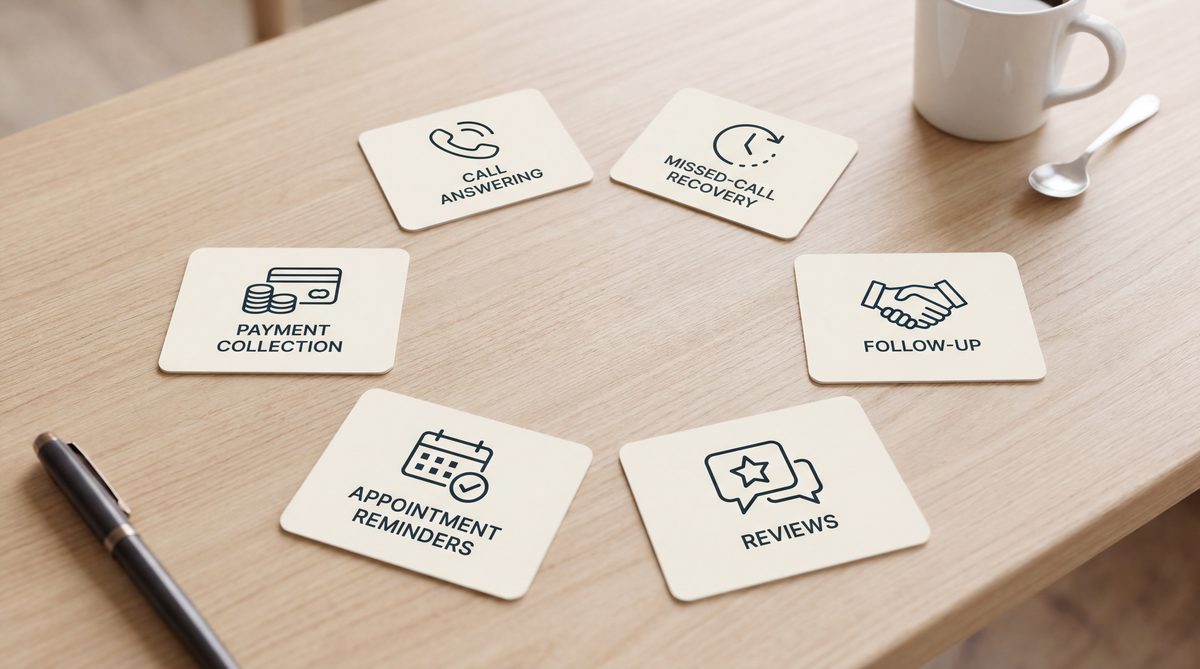
Not all automation delivers equal return. These six workflows produce the strongest ROI for service businesses, listed in order of revenue impact.
1. After-Hours and Overflow Call Answering
The majority of service businesses field calls while their team is physically unavailable. After-hours calls, evenings, weekends, holidays, represent a consistent share of inbound volume and often include the highest-value inquiries: new customer emergencies, urgent service decisions, and time-sensitive requests. An AI answering system that captures and books these calls eliminates the single largest revenue leak in most service businesses. See how answering service appointment scheduling handles the complete booking flow from first ring to confirmed appointment.
2. Missed Call Text-Back
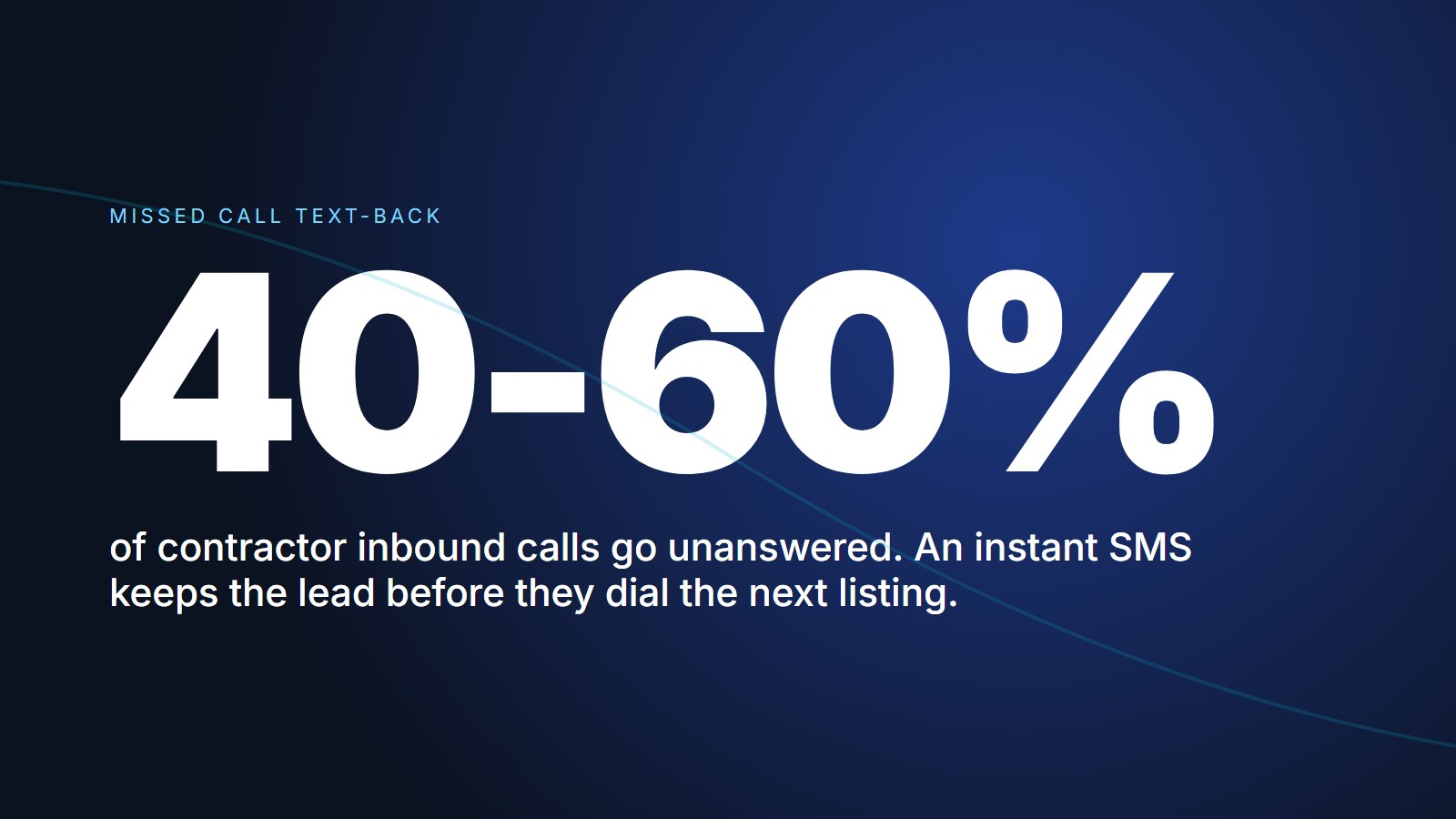
Any call that doesn’t get answered, dropped signal, simultaneous inbound surge, after-hours voicemail, should immediately trigger a text to the caller. A 30-second automated response (“Sorry we missed you, what can we help with?”) recovers a meaningful share of calls that would otherwise stay permanently lost. The full mechanics of missed call text-back for service businesses are straightforward to implement and produce results in the first week.
3. Lead Follow-Up Sequences
HubSpot’s sales research shows 44% of service staff give up on a lead after a single follow-up attempt. Yet Forrester Research found that companies systematically nurturing leads generate 50% more sales-ready opportunities at 33% lower acquisition cost, because persistence, calibrated to buying stage, closes what immediacy alone cannot.
An automated sequence sending a follow-up text at day 1, 3, 7, 14, and 30 after an unsold quote runs continuously without anyone tracking manually. Most customers who didn’t book immediately aren’t gone, they’re waiting for the right nudge at the right moment.
4. Google Review Collection
BrightLocal’s 2025 Local Consumer Review Survey found that 87% of consumers read online reviews before choosing a local service business. Review volume and recency directly drive local search rankings, and the gap between 12 reviews and 120 reviews determines whether you’re in the Google Local 3-Pack or invisible to buyers ready to book.
Manual review requests collect a fraction of what an automated post-job text does. A direct one-tap review link, sent within two hours of every completed job, runs without any staff member needing to remember it. Read the complete Google review automation guide for the step-by-step setup.
5. Appointment Reminders and No-Show Recovery
Automated reminders at 24 hours and 2 hours before a scheduled appointment reduce no-shows by 30-50% compared to verbal-only booking. No-show recovery automation, a text to the no-show within 30 minutes of the missed window, offering two rebooking options, recovers appointments that would otherwise stay permanently lost. Neither workflow requires any staff time once configured.
6. Invoice and Payment Follow-Up
For project-based service businesses (roofing, remodeling, landscaping, legal), unpaid invoices are a cash flow problem that’s almost entirely solvable with automation. A payment follow-up sequence at day 1, day 7, and day 14 after invoice delivery collects faster and more consistently than manual owner calls, and removes the social friction of personally asking a customer for money.
How to Calculate ROI Before Committing to Any Automation

Most service business owners don’t need a complex formula to evaluate automation ROI. They need three numbers.
Your average job ticket. What’s a typical inbound call worth if it converts to a booked job? Be specific: HVAC service call versus full system replacement, routine plumbing versus repiping, new dental patient versus recall cleaning. The ticket size determines what each recovered call is worth.
Your current leak rate. How many inbound calls, quotes, and customers go unrecovered each month? Pull call logs and count missed calls. Pull your estimate history and count quotes older than 30 days with no conversion. A conservative estimate of 15-20% of leads going cold without follow-up is typical for service businesses without systematic automation.
Your retention multiplier. Per Harvard Business Review’s customer retention research, acquiring a new customer costs 5-25x more than retaining an existing one. And Bain & Company’s loyalty research found that a 5% improvement in retention produces a 25-95% increase in profits. Any automation that converts more of the existing call volume, without adding to marketing spend, applies that multiplier to revenue you’re already generating.
The calculation: [missed calls per month] × [average call value] × [estimated recovery rate] = recoverable monthly revenue.
An HVAC company with 80 calls/month, a 20% miss rate, and a $425 average ticket loses $6,800/month in missed-call revenue. An automation system costing under that number, even at a 40% recovery rate, pays for itself in the first week. Most businesses running this math find the number larger than they expected.
System Automation vs. Duct-Tape Automation
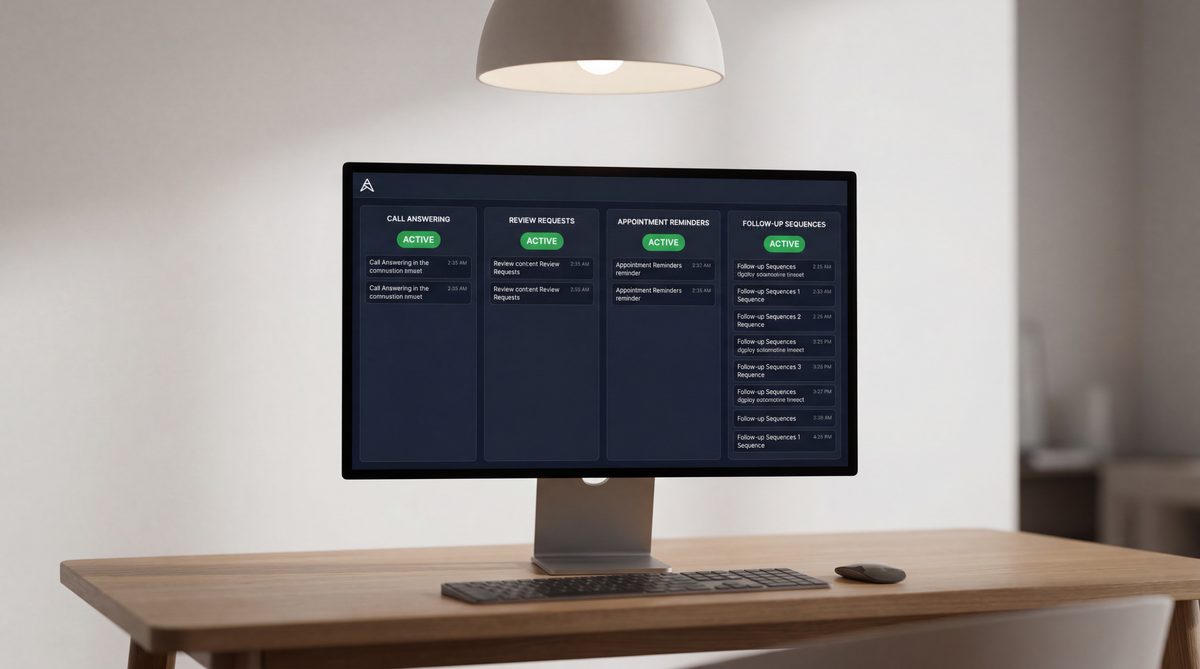
There’s a meaningful difference between duct-tape automation and system automation. Most businesses that have tried automation tools and abandoned them experienced the former.
Duct-tape automation looks like this: a Zapier workflow that sends you a notification when a form fills out. A Calendly link in a follow-up email. A phone reminder to text the customer from last Thursday. Individual triggers that each require someone to act on the output before anything productive happens. You still had to read the notification, call the customer, and manually track what came next.
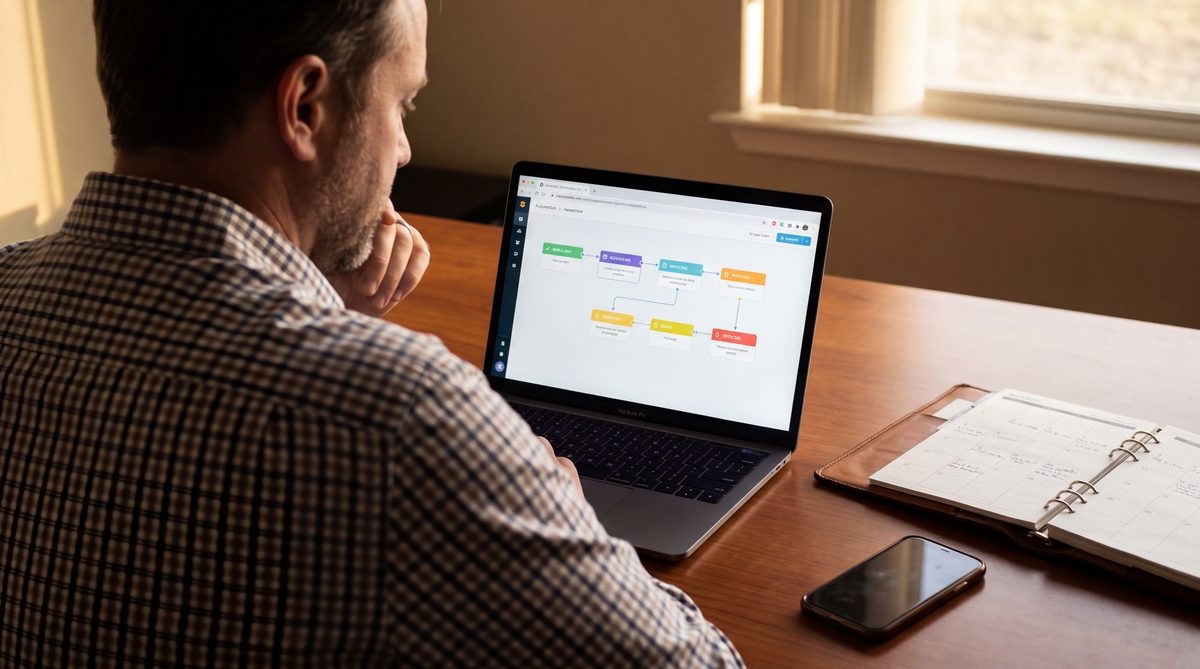
System automation looks like this: an inbound call is answered, the appointment books, the confirmation goes out, the reminder fires 24 hours before, the no-show recovery triggers if needed, the review request sends two hours after completion, and the 30-day follow-up for the quote that didn’t close runs in the background, while the owner is on a job site. No one manually initiated any step.
more sales-ready leads generated by companies that systematically nurture prospects, at 33% lower acquisition cost, compared to businesses that rely on manual, inconsistent follow-up
Source: Forrester ResearchThe distinction matters because duct-tape automation often reduces effort at the trigger point while creating new manual effort downstream. System automation eliminates the workflow entirely for functions that can run without human judgment and routes the exceptions that need it to the right person.
For service businesses, the highest-value automation is in the revenue-critical functions, call capture, booking, follow-up, and review collection. These are the workflows that most directly determine whether inbound demand converts to revenue. Automating expense categorization is useful. Automating the call that would have booked a $4,500 job is transformational.
What to Look for Before Committing to Any Automation Platform

The automation tool market for small businesses expanded sharply in the last three years, which makes evaluation harder, not easier. These four criteria separate platforms that deliver from platforms that add work.
Integration depth, not just integration presence. Many tools list “integrates with ServiceTitan” or “syncs with Jobber” as a feature. What that actually means varies widely. Some write appointments as unconfirmed blocks requiring manual approval. Others do genuine two-way sync, real-time availability reads, confirmed booking writes, and cancellation updates that flow back before the next call. Ask specifically: does the booking write directly to the calendar, or does it create a pending item someone has to approve?
24/7 capability without evening degradation. An answering service that books live appointments 9 AM to 5 PM and takes messages after hours is a part-time booking operation with full-time marketing language. The most valuable emergency calls in trades, no-heat calls, burst pipes, storm damage, arrive outside business hours. Verify what the service actually does at 10 PM on Saturday by calling the live number, not the demo line.
Escalation handling for edge cases. What does the system do when it encounters something it can’t handle? The best AI call answering platforms route genuinely complex situations to on-call staff, send an urgent text, and log the interaction. Others simply fail. For service businesses where a single missed emergency can cost $3,000-$8,000, the escalation protocol matters as much as the base capability.
Setup time vs. ongoing maintenance. Most automation tools get abandoned not because the technology failed, but because setup required weeks of configuration and maintenance required hours every month. Purpose-built platforms for specific industries require far less owner time than general-purpose tools where you build every workflow from scratch.
Salesforce’s State of Sales research found that high-performing businesses are 1.5x more likely to use sales automation than underperformers, not because automation is magic, but because consistent follow-up at scale is impossible to maintain manually over time. The same pattern applies to service business operations: the businesses growing fastest are those where the system handles consistency so the owner can focus on growth.
The Automation Loop That Compounds Revenue Over Time
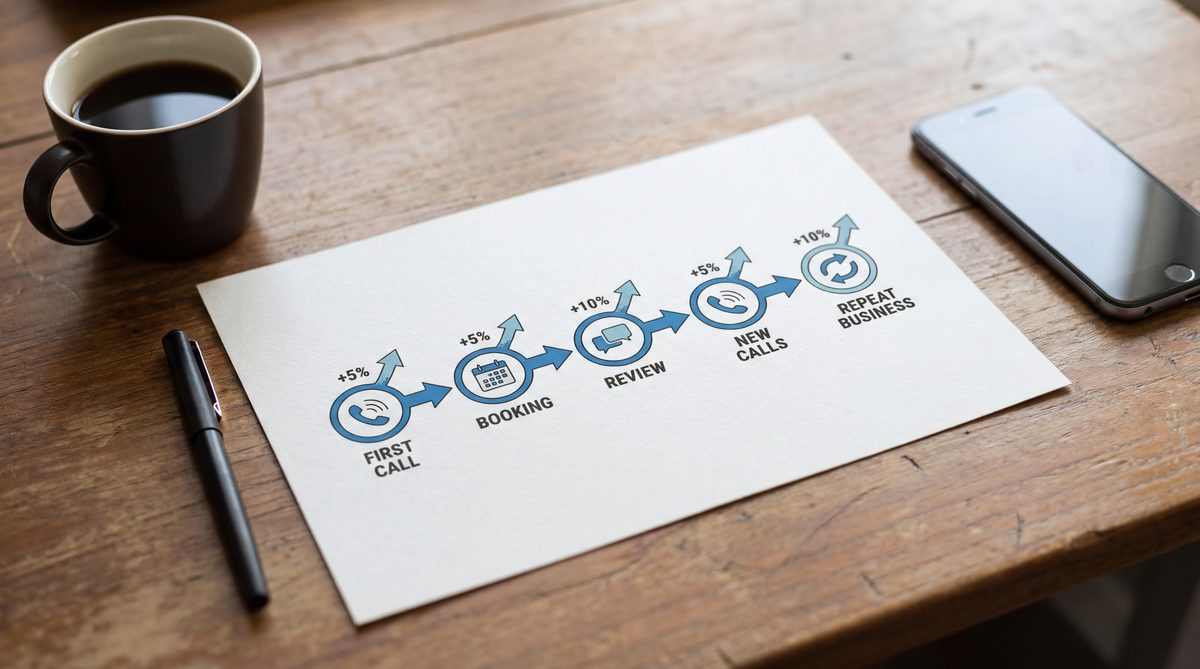
The individual value of each automation is meaningful. The compounding value of all six running together is where the real return appears.
Here’s what the full sequence looks like for a single customer:
A call arrives at 8
PM while the owner is on a job. An AI answering system picks up, books the appointment, and sends a confirmation text, before the caller hangs up. A reminder fires 24 hours before the visit. The customer shows up. The job is completed.Two hours later, a review request goes out. The customer leaves a 5-star review, moving the business up one position in the Google Local 3-Pack. Three new calls come in the following week from customers who found the business organically. Six weeks later, an automated seasonal reminder brings the same customer back for a maintenance booking.
That loop, one customer, one job, five automated touchpoints, generates a review, three inbound leads, and a repeat booking. Without automation, each step depended on someone remembering to do it. With automation, the loop runs while the business runs.
Deloitte’s customer research found that customers acquired through referrals have a 37% higher retention rate, and the businesses generating the most referrals execute the post-job touchpoints automatically. Reviews, follow-ups, and re-engagement aren’t optional polish. They’re the compounding revenue engine that separates growing businesses from stagnant ones.
Putting It Together: Small Business Automation as a Revenue System
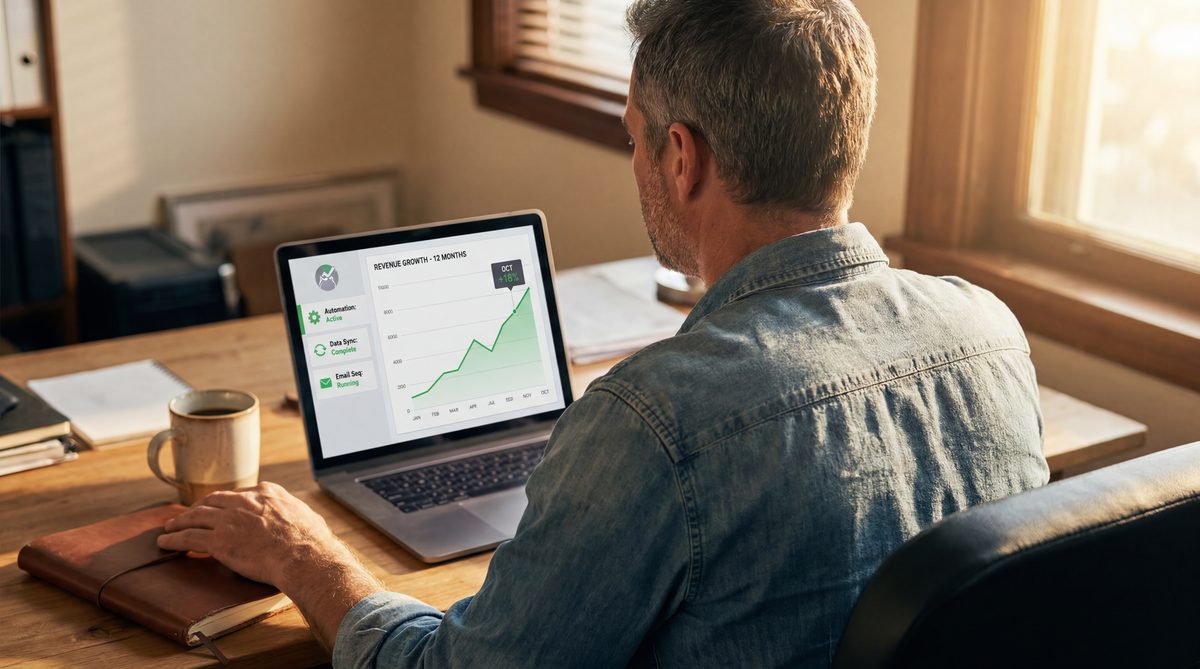
The businesses seeing the fastest results from small business automation share one pattern: they stop treating each automation as an individual productivity tool and start treating the full set as a connected revenue system.
When call answering, follow-up sequences, review collection, and appointment reminders run together, the impact compounds. More calls answered means more bookings. More bookings means more review requests. More reviews means higher local search visibility. Higher visibility means more calls answered. The loop accelerates with each passing month.
The economics are lopsided by design: one recovered job can cover a month of platform cost, because the demand was already there. The bottleneck was the conversion rate after each call arrived. Explore how Ignitvio handles this on the voice AI product page.
How Ignitvio Handles Small Business Automation for Service Companies
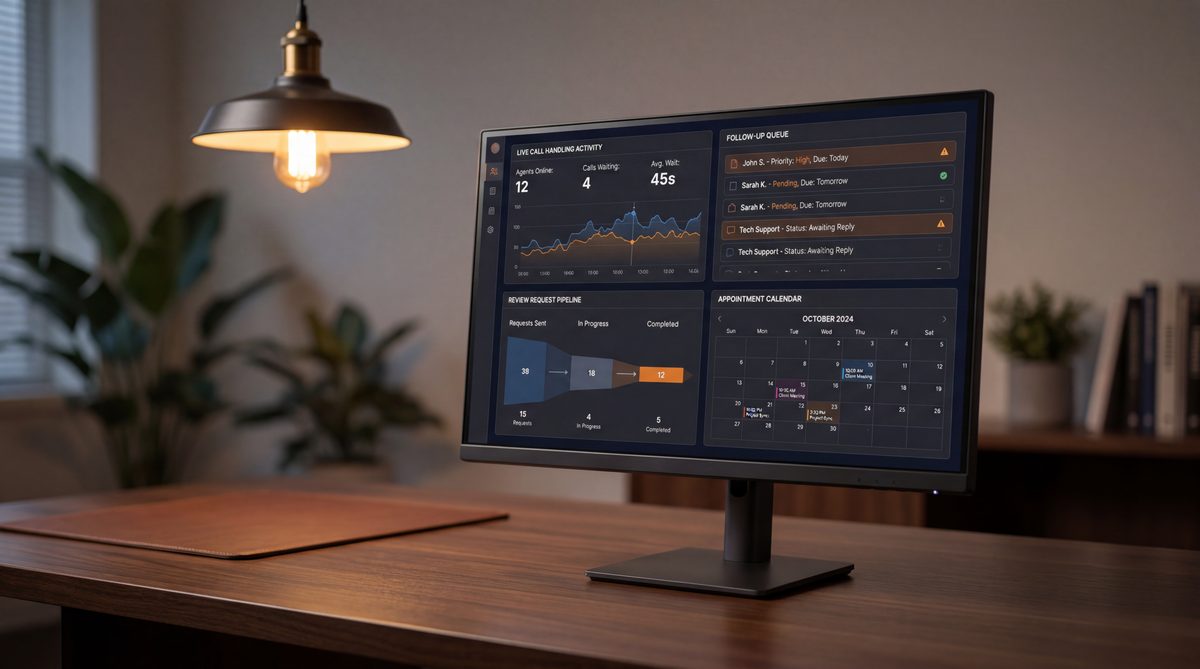
Ignitvio is a done-for-you automation platform built specifically for service businesses, HVAC, plumbing, dental, legal, property management, and trades, that have tried piecemeal automation and still found themselves handling revenue-critical workflows by hand.
Here’s what it automates:
- AI Voice Answering (24/7), every inbound call answered in under two rings, around the clock. The AI asks intake questions specific to your business, books the appointment directly into your calendar, and confirms with the caller before they hang up. No message pad. No callback queue. The job books during the call.
- Missed Call Text-Back, any call that slips through triggers an instant text: “Sorry we missed you, what can we help with?” The AI continues the conversation via SMS and completes the booking.
- 5-Touch Follow-Up Sequences, every unsold quote enters an automated follow-up at day 1, 3, 7, 14, and 30. You set the messages once; the system sends them. High-ticket quotes that would have gone cold close at measurably higher rates.
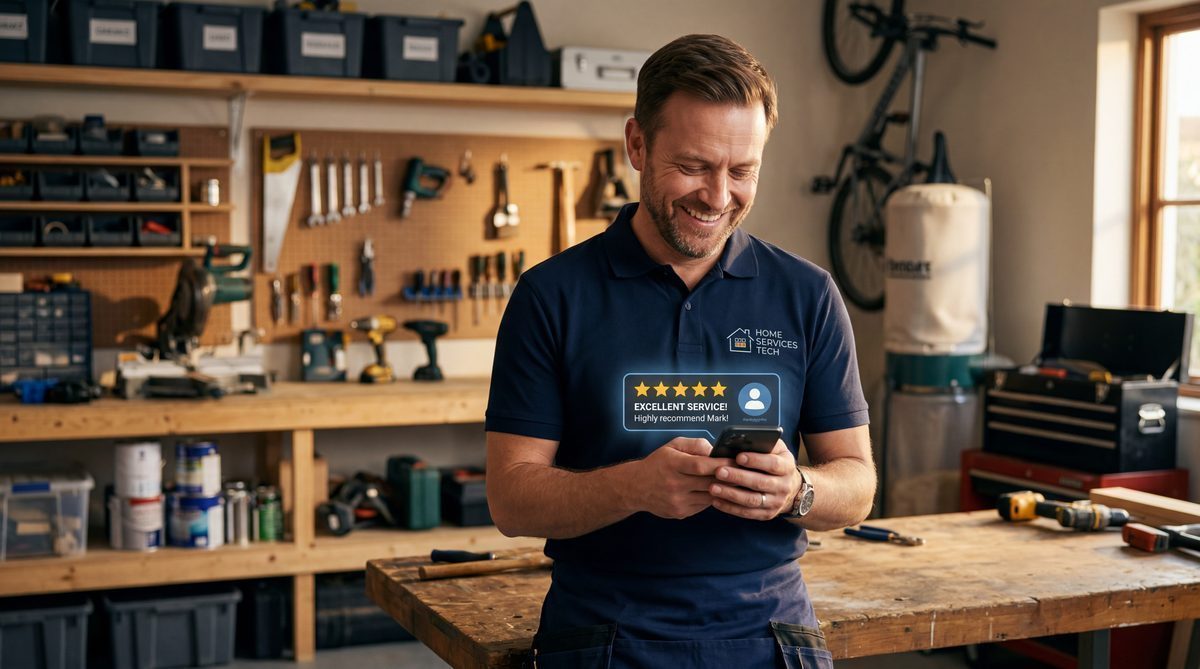
- Review Automation, a direct Google review link goes to every customer within two hours of job completion.
- Appointment Reminders and No-Show Recovery, two-touch reminders fire automatically before every booked appointment. No-shows receive an immediate rebooking text. Zero staff time required for either.
- Seasonal Re-Engagement, past customers receive automated maintenance reminders tied to your trade cycle: spring HVAC tune-up campaigns, fall plumbing prep outreach, annual legal review reminders. Repeat revenue without repeat sales effort.
Manual Operations vs. Ignitvio
- After-hours calls go to voicemail while owner is on a job or off the clock
- Quotes go cold because nobody tracked the follow-up cadence past day one
- Review requests depend on a staff member remembering to ask at job end
- No-shows stay lost, rebooking requires an owner callback the next morning
- Seasonal repeat revenue only happens if the customer remembers to call
- Owner works 50+ hours handling admin and follow-up that don't require their expertise
- Every call answered 24/7, emergencies booked, non-urgent requests scheduled
- 5-touch automated follow-up runs on every quote with zero manual tracking
- Post-job review text fires automatically after every completed job
- No-show recovery triggers within 30 minutes, auto-offering two rebooking slots
- Seasonal maintenance campaigns fire automatically to your full past-customer list
- Owner time redirects to revenue-generating work, the system handles the rest
Setup takes under a week. Intake scripts are configured for your appointment types, calendar and CRM are connected, follow-up sequences are built, and after-hours rules are set. Then the system runs. View pricing options to see which plan fits your call volume.
Find out which revenue leaks automation can close in your business
We'll review your call volume, quote close rate, review velocity, and follow-up process, and show you exactly where manual operations are costing you revenue. Free. No pitch.
Book a Revenue Audit
Jake Melendy
Founder, Ignitvio
Jake Melendy is the founder of Ignitvio. He spent 12 years in enterprise sales and sales leadership, including at Oracle, before building Ignitvio, which runs done-for-you outbound appointment setting for commercial contractors and B2B service companies. He writes about pipeline, trigger-based prospecting, and lead response.