Virtual Receptionist: How Modern Answering Services Work
- A virtual receptionist is a remote service, human or AI, that answers your business calls, books appointments, and handles customer questions without an on-site front desk person.
- There are three types: automated phone trees (IVR), live human operators, and AI-powered receptionists. They range from $30/month to $2,000+/month depending on what you need.
- Small businesses miss 20-30% of inbound calls on average, and 35-50% of sales go to whichever vendor responds first. A virtual receptionist closes that gap.
- AI receptionists have gotten good enough that most callers can’t tell they’re not talking to a person, and they cost a fraction of what live answering services charge.
What a Virtual Receptionist Actually Is (And What It Isn’t)

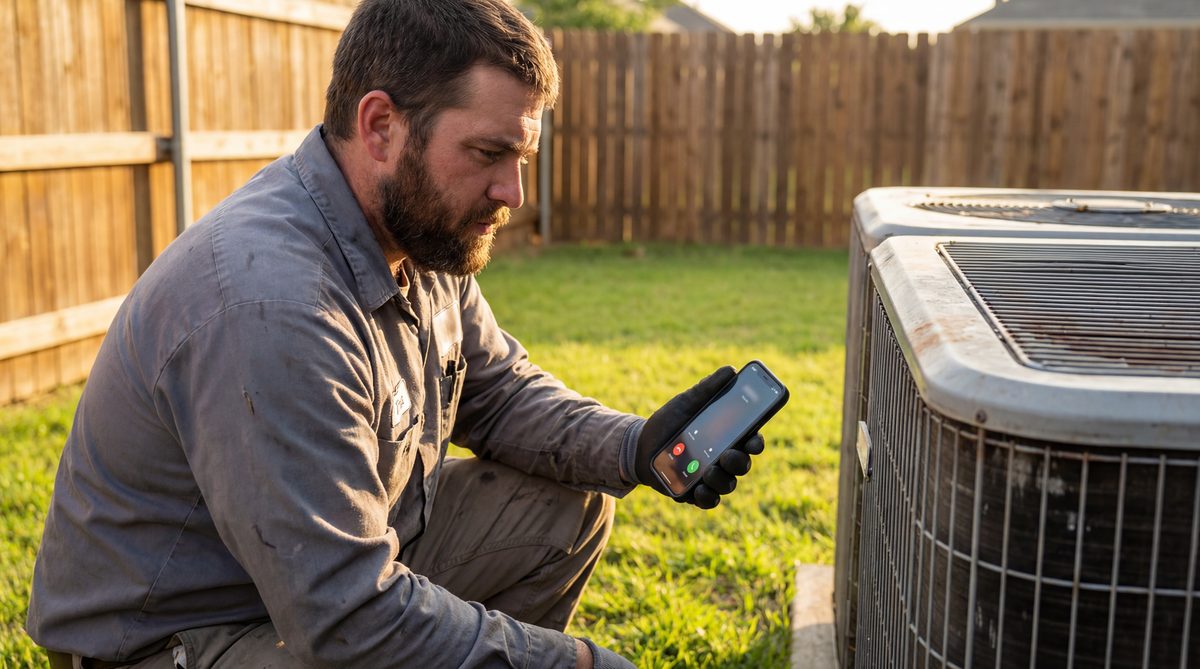
Here’s the situation most small business owners know too well. You’re a plumber under a kitchen sink in Scottsdale. Your phone buzzes. You can’t answer, your hands are covered in PVC cement and the homeowner’s watching you work. By the time you check your phone at lunch, there’s a voicemail from a new customer who needed an emergency water heater replacement. You call back. No answer. You try again the next morning. They’ve already booked someone else.
That’s the problem a virtual receptionist solves.
A virtual receptionist is a service, either a real person working remotely or an AI system, that answers your business phone calls, greets callers in your company’s name, handles basic questions, takes messages, and in many cases books appointments directly into your calendar. They work from outside your office, which is why the “virtual” part. But to your callers, it sounds like they’ve reached your front desk.
What it’s not: a voicemail system. Not an automated phone tree that makes people press buttons. Not a call center in another country reading from a script with zero context about your business. A good virtual receptionist feels like an extension of your team, someone (or something) that knows your hours, your services, your scheduling, and can actually help the caller instead of just taking a message.
The concept isn’t new. Answering services have been around since the 1960s. What’s changed is the technology. Traditional services employed human operators who sat in a call center, answered your line, scribbled down a message, and faxed it to you. Today you’ve got three very different options, and the one you pick matters a lot more than most business owners realize.
The Three Types: Phone Trees, Live Humans, and AI

Not all virtual receptionists are built the same. There are three distinct categories, and they’re as different from each other as a bicycle is from a Tesla.
Type 1: Automated Phone Trees (IVR)
“Press 1 for appointments. Press 2 for billing. Press 3 to speak to an operator.” You’ve called these a thousand times. You probably hate them. So do your customers.
IVR systems (Interactive Voice Response) are the cheapest option, some VoIP providers include basic phone trees for free, and standalone IVR services run $30-$100/month. They route calls based on button presses. That’s it. They don’t answer questions, don’t book appointments, don’t handle anything that requires actual thinking.
They’re fine for large companies with dedicated departments to route to. For a small business? They’re a customer experience disaster. A homeowner calling about a burst pipe at 7 PM doesn’t want to navigate a menu. They want to talk to someone. Salesforce’s consumer research shows that 60% of customers say they’ve abandoned a purchase because of a poor service experience. Phone trees are often the first one they hit.
Type 2: Live Human Answering Services
This is the traditional model. Real people, working remotely, answering your phone in your company’s name. Companies like Ruby, Smith.ai, PATLive, and MAP Communications have been doing this for years.
Here’s how it works: you forward your business line to the answering service (either all the time or just when you can’t pick up). A live operator answers: “Good afternoon, Smith Plumbing, how can I help you?” They follow a script you’ve set up, take the caller’s name and number, ask about the issue, maybe transfer urgent calls to your cell.
Pricing is all over the place
Most charge per minute or per call:
- Low end: $50-$100/month for 30-50 minutes of call time. If you get 20 calls averaging 3 minutes each, that’s 60 minutes, you’re already paying overage fees.
- Mid range: $200-$500/month for 100-200 minutes. Covers most small businesses during normal call volumes.
- High end: $800-$2,000+/month for unlimited or high-volume plans. Medical practices, law firms, and multi-location businesses land here.
The pros: callers talk to a real human. There’s empathy, nuance, the ability to handle weird situations.
The cons: the operator usually can’t do much beyond take a message. They don’t have access to your scheduling system. They can’t answer “do you accept Delta Dental insurance?” They can’t book an appointment for next Tuesday at 2 PM. They write down the info and pass it to you, and then you still have to call the customer back. Which means phone tag. Which means, according to InsideSales.com, 50% of the time the sale goes to whoever responds first. And if you’re calling back hours later from a noisy job site, that’s probably not you.
The other problem: per-minute pricing punishes you for getting busy. Your highest-call-volume months, when you’re closing the most deals, are also your most expensive answering service months. It’s a cost structure that penalizes growth.
Type 3: AI-Powered Virtual Receptionists
This is the newest category, and it’s the one that’s growing fastest. AI virtual receptionists use conversational AI to answer calls, understand what the caller needs, and actually resolve the request, booking appointments, answering FAQs, routing emergencies, all in real time, without a human in the loop.
The technology’s gotten surprisingly good. Modern AI receptionists handle natural conversation, not just keyword matching. They understand context (“I need to reschedule my Thursday cleaning to next week”), manage follow-up questions (“Would morning or afternoon work better?”), and sound natural enough that most callers don’t realize they’re talking to an AI.
Pricing: Typically $200-$1,000/month flat rate. No per-minute charges. No overage fees. Your busiest month costs the same as your slowest.
The pros: 24/7 availability with zero wait time, can actually book appointments and answer real questions (not just take messages), consistent quality on every call, no per-minute cost surprises.
The cons: can’t handle truly complex or emotional situations the way a skilled human can, requires initial setup and training to learn your business, newer technology that some callers (especially older demographics) may notice isn’t human.
What a Good Virtual Receptionist Actually Handles

Most business owners think of answering services as glorified voicemail, someone picks up and writes down a message. That was true in 2015. It’s not true anymore. Here’s what a solid virtual receptionist (human or AI) should be able to do:
Answer calls in your business name
This is table stakes. The caller should hear “Good morning, Smith Plumbing”, not “Answering service, how may I direct your call?”
Book appointments directly into your calendar
This is where the real value is. A caller who wants to schedule a dental cleaning, an HVAC tune-up, or a legal consultation should be able to book during the call. No “we’ll have someone call you back.” No phone tag. Done on the first touch. If your answering service can’t do this, you’re paying for a message pad. Our guide to appointment setting answering services shows which platforms book live on the first call versus take a message.
Answer common questions
“What are your hours?” “Do you serve the north side of town?” “How much does a basic cleaning cost?” “Do you take Cigna?” These questions make up 25-40% of inbound calls for most service businesses. If your virtual receptionist can handle them, that’s a quarter of your call volume that never needs to bother your team.
Route urgent calls
A patient calling about chest pain needs to go to 911, not your practice’s voicemail. A homeowner with a gas leak needs to reach a technician now, not tomorrow morning. Good routing logic, whether built into a human operator’s script or an AI’s triage rules, keeps the right calls flowing to the right people.
Send call summaries
After every call, you should get a text or email with who called, what they needed, and what was done about it. No “check your voicemail” nonsense. The info should be in your pocket before the caller hangs up.
Follow up with callers who didn’t book
This is where most services fall short and where the money is. Someone calls asking about teeth whitening but doesn’t schedule? A follow-up text three days later recovers that appointment. Forrester found that companies with strong lead nurturing generate 50% more sales-ready leads at 33% lower cost. But most answering services, human and AI, stop at the call. The best ones don’t.
Collect reviews after appointments
Your virtual receptionist handles the first touchpoint (the call) and can also handle the last one (the review request). Northwestern’s Spiegel Research Center found that displaying reviews increases conversion rates by 270%. Automating the ask is how you actually build that review volume.
Not every virtual receptionist does all of these. Most traditional live services handle items 1, 4, and 5. AI systems increasingly handle all seven. Know what you need before you shop. To compare named providers on these capabilities, our roundup of the best answering services for small business scores ten options side by side.
How many calls is your business missing right now?
We’ll mystery-shop your business, call during peak hours, call after hours, submit a web inquiry, and show you exactly where leads are slipping through. Free. Results in 48 hours.
When You Actually Need One (And When You Don’t)

Not every business needs a virtual receptionist. If you’re a freelance designer who gets three calls a week, you’re fine with your voicemail. But there are clear signals that you’ve outgrown the “I’ll just call them back” approach:
You’re missing calls during business hours
Check your phone’s missed call log for the last 30 days. If you’re consistently missing 5+ calls a week during work hours, because you’re with a client, on a job site, in a meeting, you’re losing revenue. Ruby/Smith.ai data estimates contractors lose an average of $1,200 per week from missed calls. That’s not a phone problem. That’s a $62,000-a-year revenue leak.
After-hours calls are piling up
If you get voicemails at 7 PM, 9 PM, weekends, those are after-hours callers with money and a problem. They’re ready to book. By the time you call back the next morning, half of them have already found someone else.
Your front desk person is overwhelmed
They’re answering phones, checking people in, handling payments, and managing the schedule. The phone is the thing that gets dropped first when they’re busy, and it’s also the thing that brings in new customers.
You’re spending money on marketing but your close rate is flat
You’re running Google Ads, doing SEO, sending direct mail, and leads are coming in. But they’re not converting. This often isn’t a marketing problem. It’s a “nobody answered the phone” problem. You’re paying to make it ring, then letting it go to voicemail.
You don’t need one if
your call volume is under 10 calls a week, you can reliably answer within 2 rings during business hours, and you don’t get meaningful after-hours calls. In that case, a well-crafted voicemail greeting and a commitment to calling back within 15 minutes is honestly good enough.
How to Pick One Without Getting Burned

The answering service industry has a reputation for bait-and-switch pricing, long contracts, and hidden fees. Here’s what to watch for and what to ask before you commit.
Ask about per-minute overage charges
Many live services advertise a low monthly rate ($79/month!) but bury the per-minute overage fee in the fine print. If you go over your included minutes, which happens every busy month, you’re paying $1.50-$2.50 per minute for every extra minute. A busy week can double your bill. Get the overage rate in writing and calculate what a high-volume month would actually cost.
Check the contract length
Some services lock you into 12-month contracts with early termination fees. For a service you’ve never tried, that’s a bad deal. Look for month-to-month or 3-month trial options. If a company won’t let you try it without a year commitment, they’re betting you’ll be too lazy to cancel even if the service is mediocre.
Test the actual experience
Before signing, call the service as if you were a customer. How fast do they pick up? How natural does it sound? Can they handle a basic question like “what are your hours?” or do they just say “I’ll have someone call you back”? If the test call feels clunky, it won’t magically get better after you sign.
Ask about integrations
Can the service connect to your calendar? Your CRM? Your practice management software? If the answer is “we’ll email you the messages,” you haven’t automated anything, you’ve just added a middleman between the caller and your to-do list. Real integration means the appointment shows up in your schedule without you touching it.
Understand what happens with complex calls
Every service handles the easy calls fine. The test is what happens when a caller has a question the system can’t answer, or when there’s a genuine emergency. Does it transfer to your cell? Take a message and text you? Just hang up? The edge cases matter more than the happy path.
Look at their vertical experience
An answering service that handles calls for law firms, dental practices, and HVAC companies has built different scripts, triage rules, and terminology for each. One that just does “general business call answering” won’t know the difference between a dental emergency and a routine cleaning request. Industry experience shows up in call quality faster than anything else.
How AI Changed the Math on Virtual Receptionists
Five years ago, if you wanted your calls answered 24/7, your only option was a human answering service charging $1-2 per minute. For a business getting 50 calls a day, that’s $2,000-$4,000/month just for someone to take messages. Most small businesses couldn’t justify the cost.
AI flipped the economics. A modern AI answering service answers unlimited calls for a flat monthly rate. No per-minute charges. No “you went over your plan” surprises. And unlike the old model, where a human took a message and you called back, the AI resolves the call in real time. Books the appointment. Answers the question. Routes the emergency. Done.
We’ve been building in this space since the early days, and the thing that still surprises people is how natural the conversations sound. Callers don’t get the robotic “I’m sorry, I didn’t understand that” experience from the old IVR days. They get a voice that sounds like your office manager, patient, knowledgeable, unhurried. It knows your services, your hours, your pricing, your scheduling availability. And it picks up on the first ring, every time, at 2 PM and 2 AM.
The result isn’t just “calls get answered.” It’s that every call becomes a potential booking. A homeowner calling about a roof inspection at 8 PM on a Saturday, instead of leaving a voicemail that gets returned Monday, they’ve got an appointment booked before they go to bed. That’s the difference between a virtual receptionist that takes messages and one that actually grows your business.
How Ignitvio’s Virtual Receptionist Works
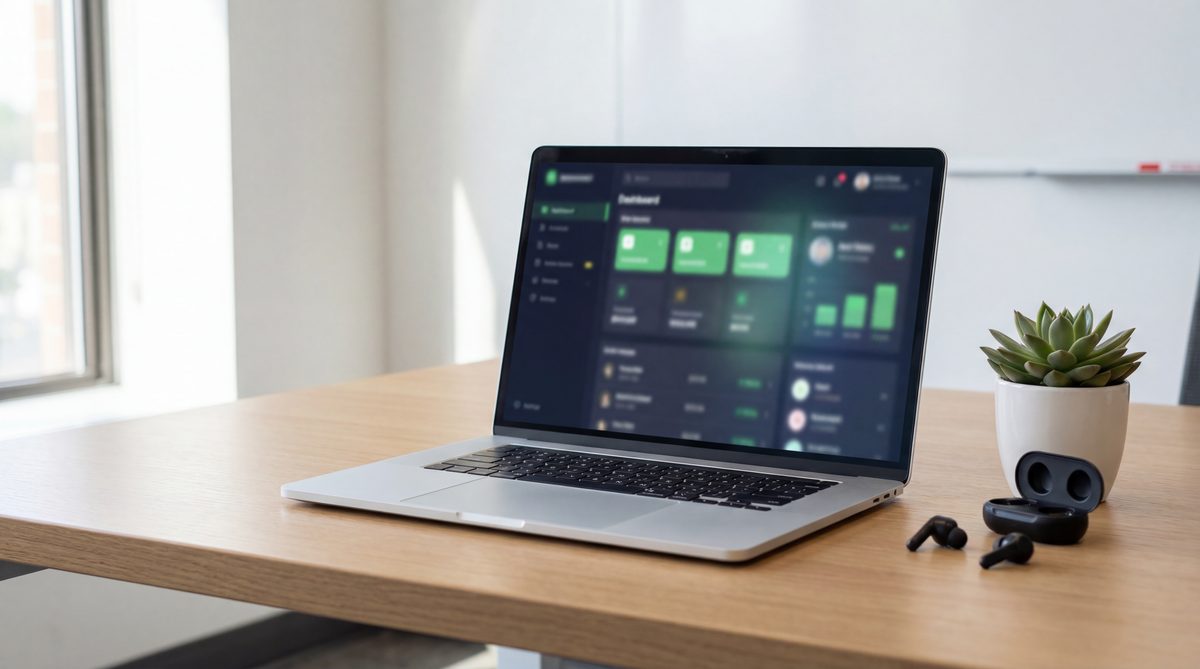
Ignitvio is a done-for-you AI virtual receptionist built for service businesses, contractors, dental practices, medical offices, law firms, property managers, that can’t afford to miss calls but also can’t afford to hire a full-time receptionist to catch them all.
Here’s what it actually does:
- Voice AI answers every call, during business hours when your team’s busy, after hours when nobody’s there, and on weekends when your competitors are sending callers to voicemail. It picks up within 2 rings, greets callers in your business name, and handles the conversation naturally.
- Books appointments in real time. No messages. No callbacks. The AI checks your calendar, finds an opening, and confirms the booking before the caller hangs up. “We have Thursday at 10 AM or Friday at 2 PM, which works?” Done.
- Missed Call Text Back catches the ones that slip through. If a call isn’t answered within your set threshold, an instant SMS goes out. The caller texts back what they need, the AI resolves it. No phone tag.
- Automated follow-up re-engages people who called but didn’t commit. Asked about a service but didn’t book? They get a follow-up at smart intervals until they schedule or opt out. These sequences recover 15-20% of leads that would otherwise vanish.
- Review automation asks every customer for a Google review after their appointment. Every completed appointment becomes a review request without anyone remembering to ask.
Without a Virtual Receptionist vs. With Ignitvio
Without:
- Miss 20-30% of calls during peak hours and 100% after hours
- Callers leave voicemails that get returned hours (or days) later
- No follow-up with people who inquired but didn’t book
- 2-3 Google reviews per month, if someone remembers to ask
- Your marketing generates leads that nobody picks up the phone for
With Ignitvio:
- Every call answered within 2 rings, 24/7/365
- Appointments booked during the call, no callbacks needed
- Automated follow-up runs on every unconverted lead until they book or opt out
- Review request sent after every appointment, automatically
- Marketing spend actually converts because someone’s always there to answer
Illustrative comparison of the two operating models, not a measured client result.
The whole system gets set up and managed for you. We configure it to match your industry, your services, your scheduling rules, your terminology. An HVAC company gets different call handling than a dental practice. A law firm gets different triage rules than a landscaper. We build that in before it goes live, test it, and optimize it every month based on real call data.
Setup’s under a week. Pricing structure is on the pricing page. No per-minute fees. No hardware. Just calls that get answered and leads that get booked.
See What You’re Missing
Book a free revenue audit and we’ll mystery-shop your business, call during hours, call after hours, submit a web form, and show you exactly how many leads are falling through. We’ll calculate what those missed calls are costing you and show you how a virtual receptionist recovers that revenue. Free. No pitch. Just math.

Jake Melendy
Founder, Ignitvio
Jake Melendy is the founder of Ignitvio. He spent 12 years in enterprise sales and sales leadership, including at Oracle, before building Ignitvio, which runs done-for-you outbound appointment setting for commercial contractors and B2B service companies. He writes about pipeline, trigger-based prospecting, and lead response.